Queue multiple models
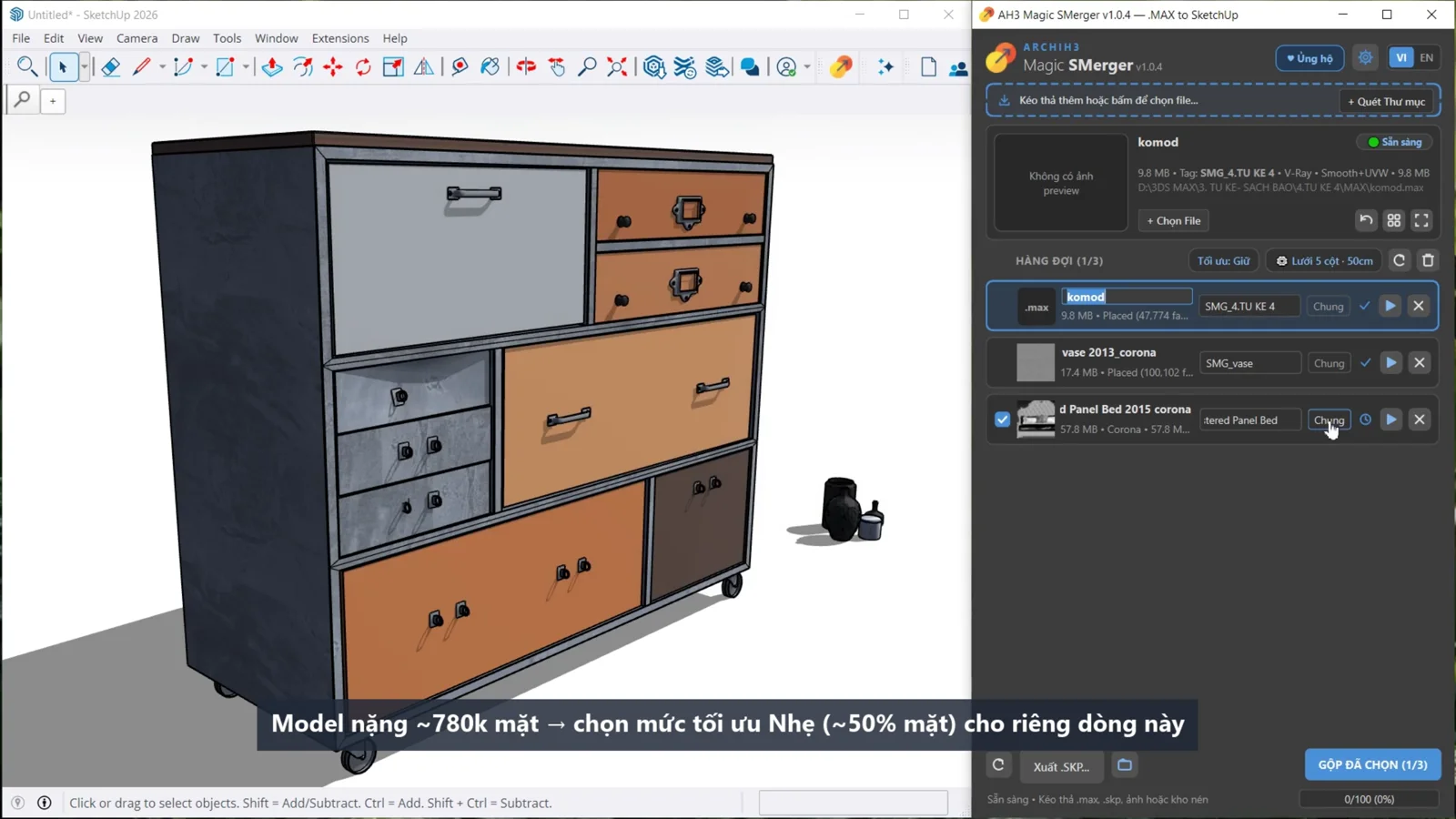
Add .max files to a queue, convert them, and bring the models into SketchUp from one window.
 MAGIC SMERGER v1.0.4
Bring your .max library into SketchUp through a single queue. Convert models with materials and textures, then arrange them on a grid — no 3ds Max installation needed.
SEE IT IN ACTION
MAX LIBRARIES, SKETCHUP WORKFLOW
Add .max files to a queue, convert them, and bring the models into SketchUp from one window.
Transfer material data, UVs, and textures into SketchUp. Options include merging materials with matching names and limiting texture size.
Set the column count and spacing to keep imported models organized, easy to compare, and ready to choose.
Options include combining copies into Components, skipping hidden objects, and mapping Max Layers to SketchUp Tags.
Conversion results depend on the model structure, materials, and modifiers in the .max file. Review the imported model before using it in your scene.
BEFORE YOU INSTALL
Install one RBZ package in SketchUp Desktop. The processing engine is included.
GET STARTED
Download ah3_magic_smerger_v1.0.4.rbz. Keep the .rbz extension; there is no need to extract it.
Open SketchUp’s Extension Manager → Install Extension → select the downloaded .rbz. Check that Magic SMerger is enabled.
Go to Extensions → Magic SMerger → Open Magic SMerger, or click its toolbar icon. Add .max models to get started.
MAGIC SMERGER · v1.0.4
Free for the architecture and 3D community.
Download free v1.0.4 (.rbz) ↓